 AI Garden
AI garden design, on your own yard
See your own yard, redesigned.
Take a photo of your garden. Get a new design on it in about 30 seconds — your house kept as it is, with plants that grow where you live.

 First design free · no card needed

 Before
After · Modern
Before
After · Modern
Made for the things other garden apps get wrong
Your house stays yours
We change the garden — not your home, windows or driveway. Every design is checked against your photo, and if it doesn't look like your place, redo it free.
Plants that grow where you live
Tell us your ZIP code and how much sun you get. Each design comes with a plant list for your hardiness zone, not tropical palms for a Virginia winter.
See it before you pay
Your first design is free, on your own photo. No card, no trial to cancel. Pro shows its price and what's in it before you buy.
How it works
Take a photo
Stand back and get the whole yard, with a bit of the house in it.
Pick a look
Modern, cottage, Japanese, low-water and more — or describe your own. Add a fire pit, a pool, a vegetable bed.
Get your garden
A new design on your photo, a plant list for your zone, and a build guide with what to buy. Change any part by painting over it or asking in words.
And the small jobs too
Every tool works on your photo, and they're all in Pro.
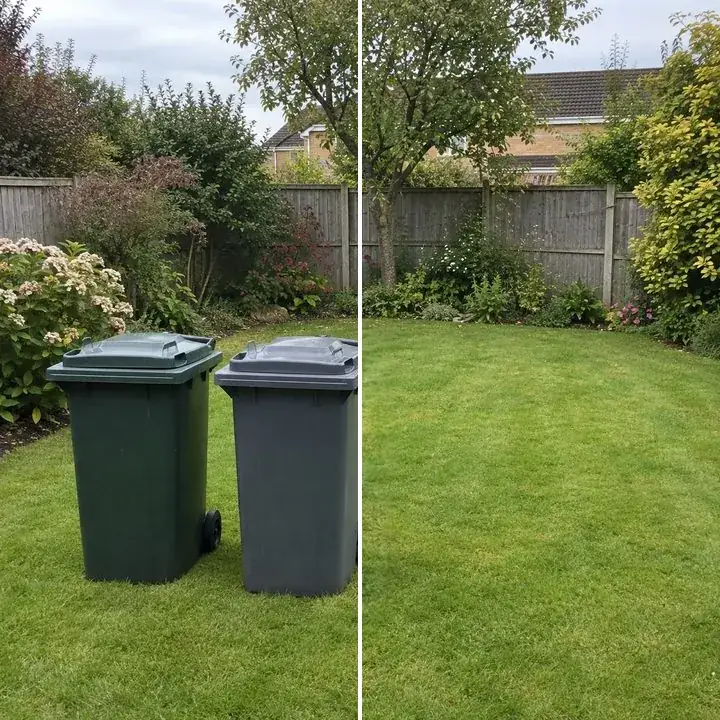
Remove objects
Bins, cars, clutter — paint over them and they're gone.
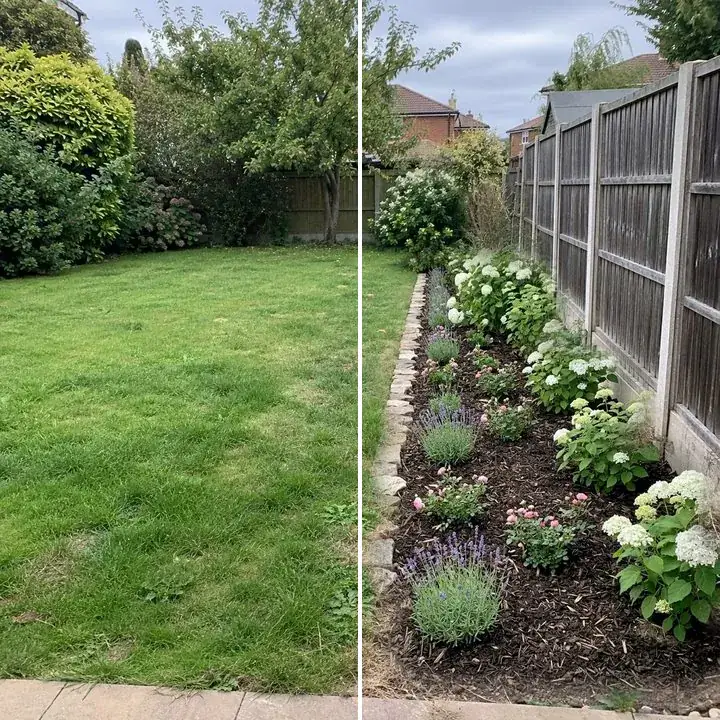
Replace an area
Turn a bare strip into a border, a patch of lawn into a path.
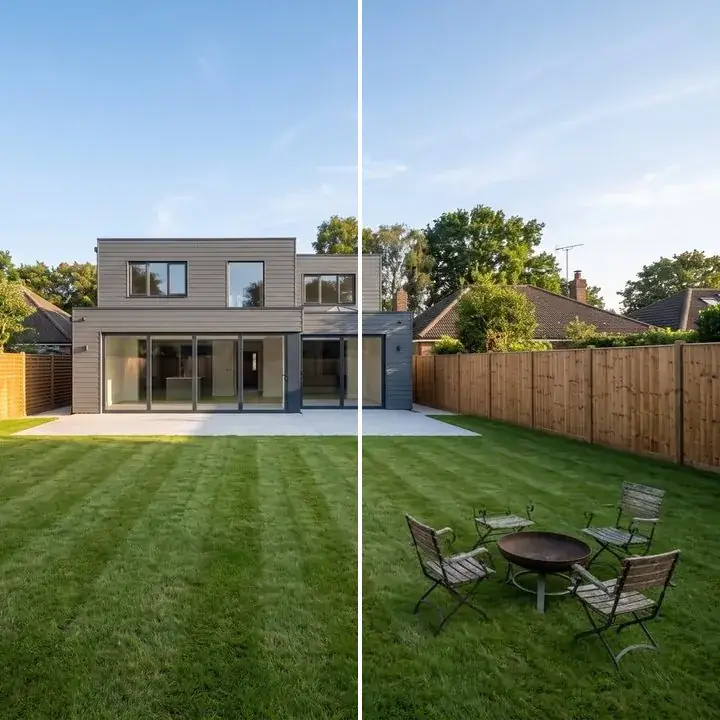
Add to my garden
A fire pit, a pergola, a fountain — right where you paint.
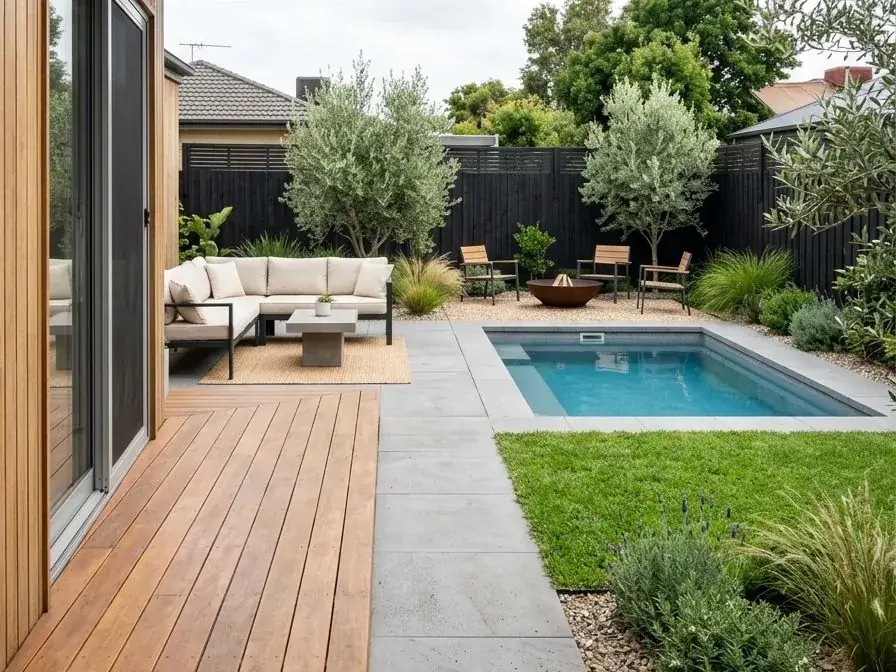
Dream garden
No photo? Describe the garden you want.
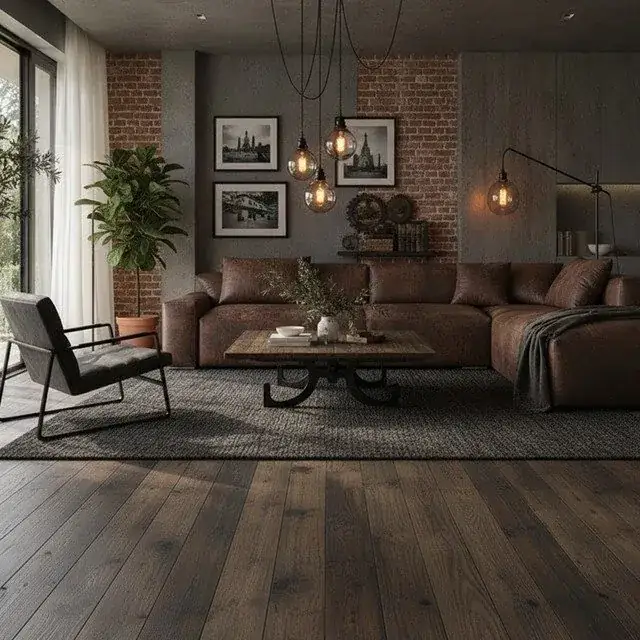
Interior design
Rooms too: pick a style, colours, and how much to change.
One plan, everything in it
No credits, no add-ons, no paying again for the plant list.
Free
$0
To see what it does with your yard
- 1 design on your own photo
- Its plant list and build guide
- A small watermark
Pro
$59.99 / year
or $19.99 / month
- 30 designs a month — failed ones don't count
- Every tool: remove, replace, add, rooms, dream garden
- Plant lists and build guides for every design
- Full resolution, no watermark
- Cancel anytime in your Apple ID settings
US prices. The App Store shows the price in your country before you buy.
Questions
Will it change my house?
No. It redesigns the garden and keeps your house, windows, doors and driveway. Each result is checked against your photo before you see it; if it still doesn't look like your home, tap “Not my house?” to redo it free.
Are my photos used to train AI?
No. They're used only to make your designs, and you can delete them — or your whole account — in the app. See the privacy policy.
How does it know which plants will grow?
From your US ZIP code it finds your USDA hardiness zone, and you tell it how much sun the garden gets. Plant lists are picked for that zone and light, and flag anything in the design that wouldn't make it, with a swap.
How do I cancel Pro?
In the app: Settings › Manage subscription. Or on your iPhone: Settings › your name › Subscriptions.
Is it on Android?
Not yet — iPhone first.
Your yard, in about 30 seconds
The first design is on us.